Hello! I have multiple questions regarding rover simulation in the course, simulation logs retrieval, etc. I couldn’t find a suitable place for each of the question, hence, I am posting all here.
- The dk folder in the preconfigured VM does not have the rover scripts as seen in the video of smart rover development in the last section of the course. How can I get this? For now, I edited the location_based script to perform my rover simulation.
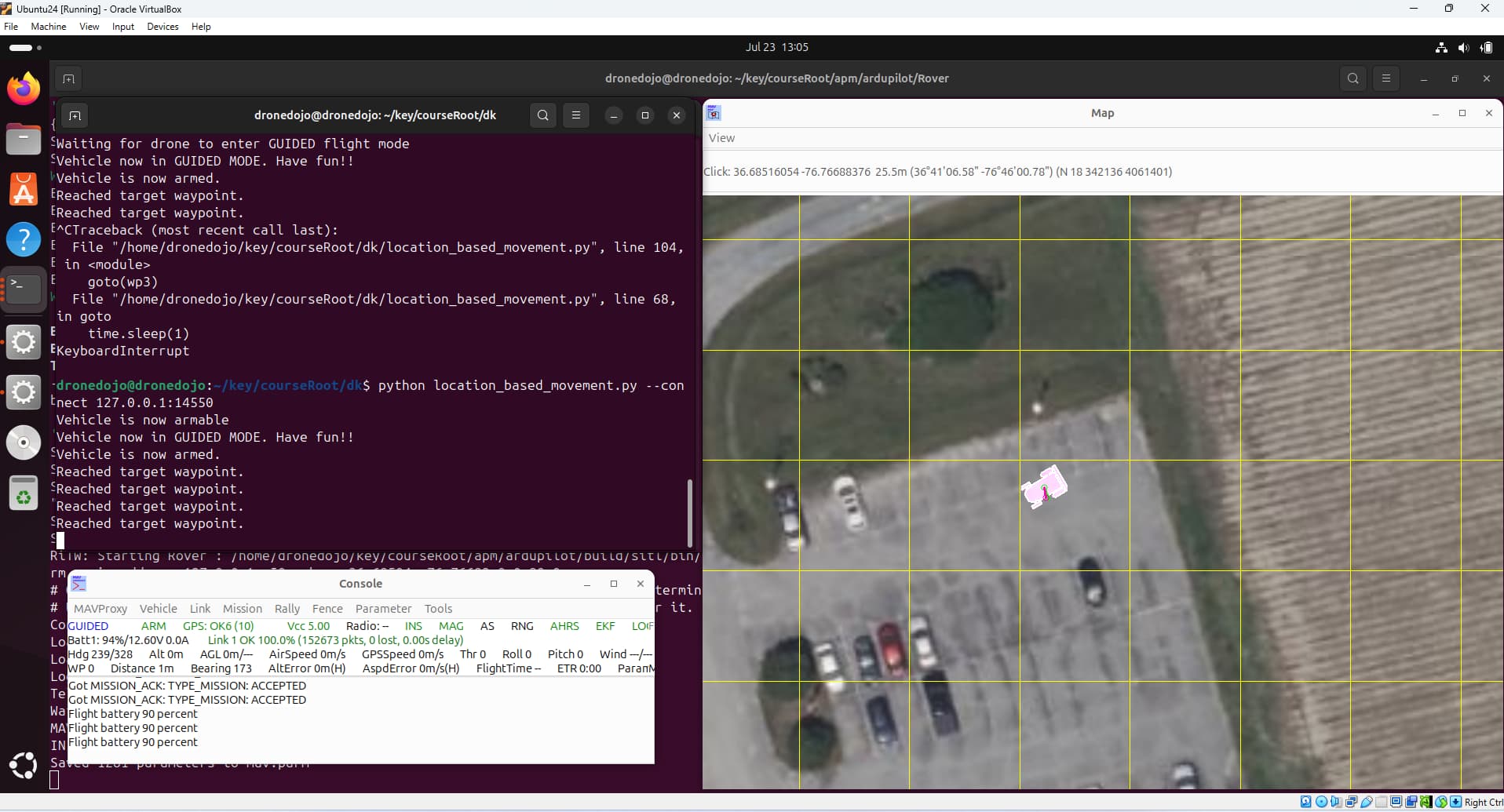
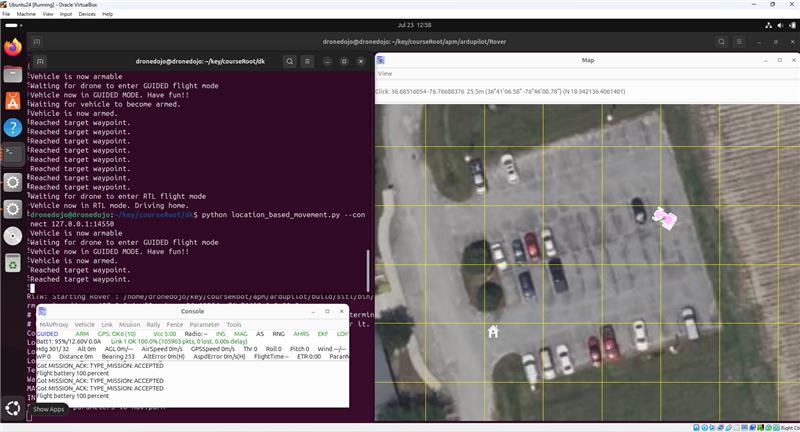
- During rover simulation (location_based_movement), my rover keeps getting stuck at some point and does not move further (please see attached image). In the image attached, my rover faces east at the home location. It is meant to go around the parking lot, but it gets stuck while moving eastwards. What is causing this issue and how can it be resolved for a smooth path tracking (waypoint following)?
- Given that I want to deploy the python script to my rover after a successful simulation, I would like to compare the rover path tracking for both simulation and real-life navigation to visualise its performance and to also quantify the error of path tracking. Hence, I want the predefined path and actual path of the rover to be displayed as the rover follows the path. This would enable the visualisation of path following. Currently, there’s a yellow line which shows this as the rover moves, but it keeps vanishing. I want it to be retained alongside the predefined path. How can I achieve this, please?
- Also related to question 3, how can I retrieve the gps/navigation logs from the simulation? I would like to make a plot of the simulated and real-life path tracking for visualisation purpose.
- Last but not the least, how can I integrate my actual mission planner set parameters in the simulation for simulation of the actual rover setup I currently have? My current simualtion looks like a blackbox to me because I don’t know what parameters it is using? I want to match the simulation parameters with my actual rover parameters.
I hope all I have mentioned are possible to achieve and I look forward to a response to my queries. Thanks!